
Is AI Face Swap Safe? Privacy, Consent, and Good Use Cases
A practical guide to using AI face swap safely, including privacy checks, consent, sharing risks, and responsible creative use cases.
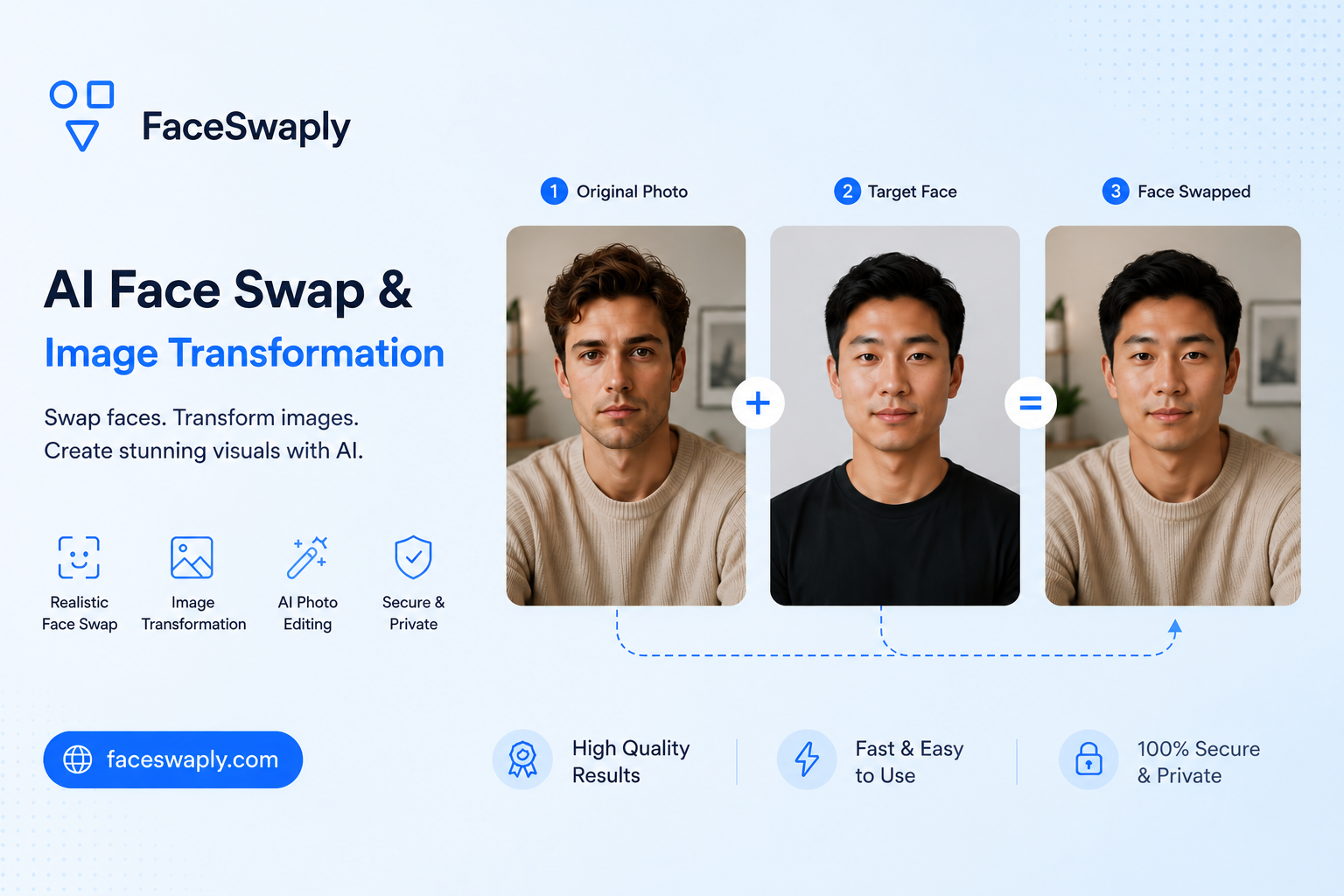
AI face swap can be safe for personal and creative use when you choose photos carefully, respect consent, and avoid misleading people. The risk usually comes less from the editing tool itself and more from how the final image is used or shared.
If you want to experiment, use FaceSwaply's AI Face Swap tool with photos you have permission to edit.
What safe face swap use looks like
Safe use starts with a simple question: would the person in the photo be comfortable with this edit?
Good use cases usually include:
- Making a funny image with your own face
- Creating a parody or meme with clear context
- Testing a costume, poster, or creative concept
- Editing photos with friends who agreed to it
- Making personal images you do not present as real events
These uses are usually low risk because the intent is clear and the people involved understand what is happening.
Ask for consent when another person is involved
If you are using someone else's face, get permission first. This is especially important when the image will be posted publicly, used in a joke, or placed into a context that could affect how people see that person.
Consent matters most when:
- The person is identifiable
- The result will be shared outside a private chat
- The scene could be embarrassing, romantic, political, or sensitive
- The image could be mistaken for a real photo
Even if the edit is technically easy, it may still be unfair to the person in the image.
Avoid misleading edits
AI face swap becomes risky when the result makes people believe something happened when it did not.
Avoid using face swap to:
- Impersonate another person
- Create fake evidence
- Put someone into a harmful or humiliating situation
- Suggest endorsement, attendance, or behavior that is not true
- Trick viewers into thinking an edited image is real
If you share an image that could confuse people, add clear context. A simple note that the image is edited can prevent misunderstandings.
Think about where the photo came from
Use photos you own, photos you have permission to edit, or images that are appropriate for your use case. A public image on the internet is not automatically fair game for every kind of edit.
Before uploading a photo, ask:
- Did I take this photo or receive permission to use it?
- Does the image include someone who may not want to be edited?
- Is the image private, sensitive, or taken from a closed group?
- Would sharing the final result create a problem for anyone?
If the answer is uncertain, choose a safer photo.
Privacy checks before uploading
For any AI photo tool, it is smart to avoid uploading images that contain more personal information than needed.
Check the image for:
- ID cards, badges, documents, or addresses
- Private messages visible in screenshots
- Children or people who did not agree to participate
- Work documents, medical information, or financial details
- Location clues you do not want to share
Most face swap workflows only need the face area and the target scene. If an image includes unnecessary private details, crop or choose another image.
Good creative use cases
Face swap is most useful when the result is clearly creative.
Examples include:
- Trying a movie poster concept with your own face
- Making a playful birthday image for a friend who agreed
- Testing cosplay ideas before a photoshoot
- Creating social media content where the edit is obvious
- Exploring character concepts for personal projects
These uses work because they are not trying to deceive viewers. They are creative edits, not claims about reality.
When not to use face swap
Do not use face swap when the result could cause harm, confusion, or unwanted attention.
Avoid it for:
- Fake dating profiles
- Fake professional endorsements
- Political or news-like images
- Revenge, harassment, or humiliation
- Any image involving a person who would not agree
If the final image depends on another person being unaware or misrepresented, it is not a good use case.
A simple responsible-use checklist
Before generating or sharing a face swap, ask:
- Do I have permission to use the face?
- Is the context respectful?
- Could someone mistake this for a real event?
- Does the image expose private information?
- Would I be comfortable explaining how and why I made it?
If any answer feels wrong, change the idea or do not share it.
FAQ
Is AI face swap safe to try?
It can be safe for personal creative use when you use appropriate photos, avoid sensitive images, and do not mislead people.
Can I use someone else's face?
Only use another person's face when you have permission, especially if you plan to share the result.
Should I label AI face swap images?
If the image could be mistaken for a real photo, yes. Clear context helps prevent confusion.
What photos should I avoid uploading?
Avoid photos with private documents, personal addresses, sensitive situations, or people who did not agree to be included.
Where can I try face swap responsibly?
You can test a photo pair in FaceSwaply's AI Face Swap tool. Start with images you own or have permission to edit.
Read More
Face Swap Online: Common Mistakes to Avoid
A practical guide to common AI face swap mistakes, why they happen, and how to choose better photos for more natural results.
How to Choose the Best Photos for AI Face Swap
Learn which source and target photos work best for AI face swap, with simple tips for lighting, angle, sharpness, and face size.
What Is AI Face Swap and When Should You Use It?
A plain-English guide to AI face swap: what it does well, where it can go wrong, and when it makes sense to use it.