
How to Choose the Best Photos for AI Face Swap
Learn which source and target photos work best for AI face swap, with simple tips for lighting, angle, sharpness, and face size.
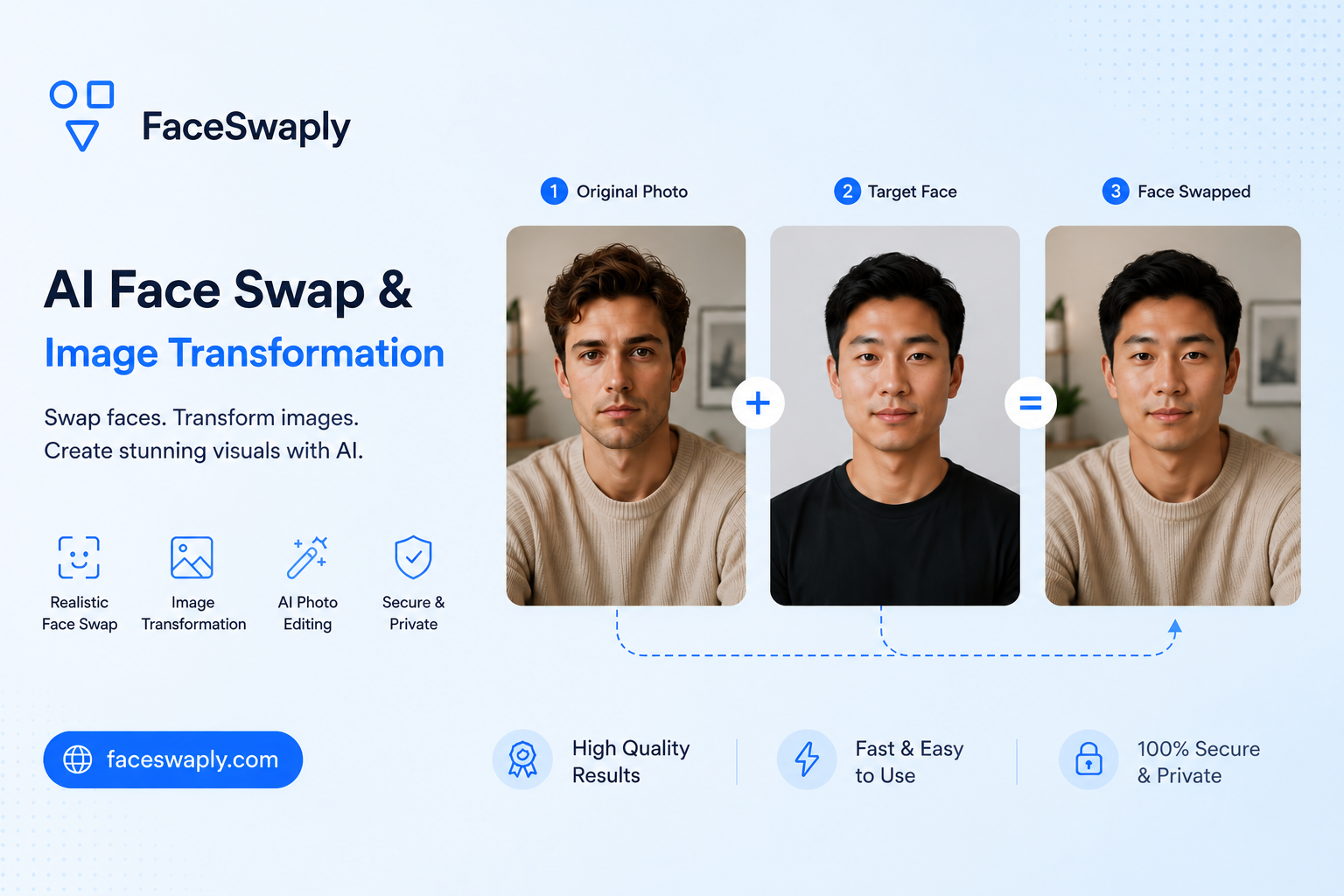
The easiest way to improve an AI face swap is to start with better photos. A clear source face and a clear target face usually matter more than any advanced setting.
This guide keeps things practical. You do not need studio photos. You just need images where the face is easy to understand.
When you are ready to test your photos, you can use FaceSwaply's AI Face Swap tool.
Start with the source face
The source face is the person you want to place into another image. This image should make the face as clear as possible.
Good source photos usually have:
- The full face visible
- Eyes, nose, and mouth in focus
- Natural lighting
- A normal expression
- Minimal face covering
- Enough resolution to show facial details
The photo can be casual. A phone selfie can work well if it is sharp and evenly lit.
Avoid these source photo problems
Some photos make face swap harder than it needs to be.
Try to avoid:
- Heavy motion blur
- Strong shadows across the face
- Sunglasses or masks
- Hair covering one eye or half the face
- Extreme side profiles
- Very old compressed images
- Tiny cropped faces
If the face is hard for a person to see clearly, it will probably be hard for the tool too.
Choose a target photo with a clear face area
The target photo is the image you want to edit. The tool needs enough information about the face area, head position, and lighting.
A good target photo usually has:
- A face that is not too small
- A clear head shape
- Lighting that matches the scene
- No major obstruction on the face
- A pose that is not too extreme
For the first test, avoid busy images with tiny faces. Start simple, then try more creative images after you understand what works.
Match the face angle when possible
Face angle is one of the biggest quality factors.
If the source face is looking straight ahead, choose a target face that is also close to front-facing. If the target face is turned slightly left, a source photo with a similar angle may work better.
You do not need an exact match. But large differences can make the result look stretched, flat, or slightly disconnected from the rest of the image.
Lighting matters more than people think
AI face swap has to blend the source face into the target photo. If the lighting is very different, the result can look pasted on.
Try to match:
- Bright photo with bright photo
- Soft light with soft light
- Indoor light with indoor light
- Outdoor sunlight with outdoor sunlight
This is not a strict rule. It is just a helpful starting point. If your first result looks unnatural, lighting mismatch is one of the first things to check.
Resolution and sharpness
Higher resolution is not always required, but blurry faces are a problem.
Use photos where the face details are clear when you zoom in a little. If the eyes and mouth are already soft in the original image, the final face swap may look soft too.
Avoid screenshots from videos if the face is blurry. A still photo usually works better.
If you want to preview a haircut or hair color instead of swapping a face, try FaceSwaply's AI Hairstyle Generator with one clear portrait.
What about expressions?
Neutral or slightly smiling expressions are easiest. Very wide smiles, open mouths, exaggerated faces, or strong emotion can be harder to blend naturally.
That does not mean you cannot use expressive photos. It just means they may need more trial and error.
A simple checklist before uploading
Before you upload, ask:
- Can I clearly see the source person's face?
- Is the target face large enough in the image?
- Are the angles reasonably similar?
- Is the lighting not too different?
- Is the face free from heavy blur or obstruction?
If the answer is yes to most of these, the photo is probably a good candidate.
If the result looks wrong
Do not immediately assume the tool failed. Try changing the source photo first.
A cleaner source image often fixes:
- Odd facial details
- Soft or blurry results
- Unnatural expression
- Poor identity match
Then try a different target photo if needed. Changing one image at a time makes it easier to understand what caused the issue.
FAQ
Can I use a selfie for AI face swap?
Yes. A selfie can work well if the face is sharp, well-lit, and not heavily filtered.
Should the source and target photos have the same expression?
They do not have to match exactly, but similar expressions usually make the result feel more natural.
Can I use group photos?
Group photos can work if the target face is clear and large enough. If the face is tiny, start with a simpler image.
Why does the result look blurry?
The source photo, target face area, or both may be too low resolution. Try a sharper source image first.
Where can I test my photos?
You can upload a source face and target image in FaceSwaply's AI Face Swap tool.
Read More
Face Swap Online: Common Mistakes to Avoid
A practical guide to common AI face swap mistakes, why they happen, and how to choose better photos for more natural results.
What Is AI Face Swap and When Should You Use It?
A plain-English guide to AI face swap: what it does well, where it can go wrong, and when it makes sense to use it.
Is AI Face Swap Safe? Privacy, Consent, and Good Use Cases
A practical guide to using AI face swap safely, including privacy checks, consent, sharing risks, and responsible creative use cases.