
Face Swap Online: Common Mistakes to Avoid
A practical guide to common AI face swap mistakes, why they happen, and how to choose better photos for more natural results.
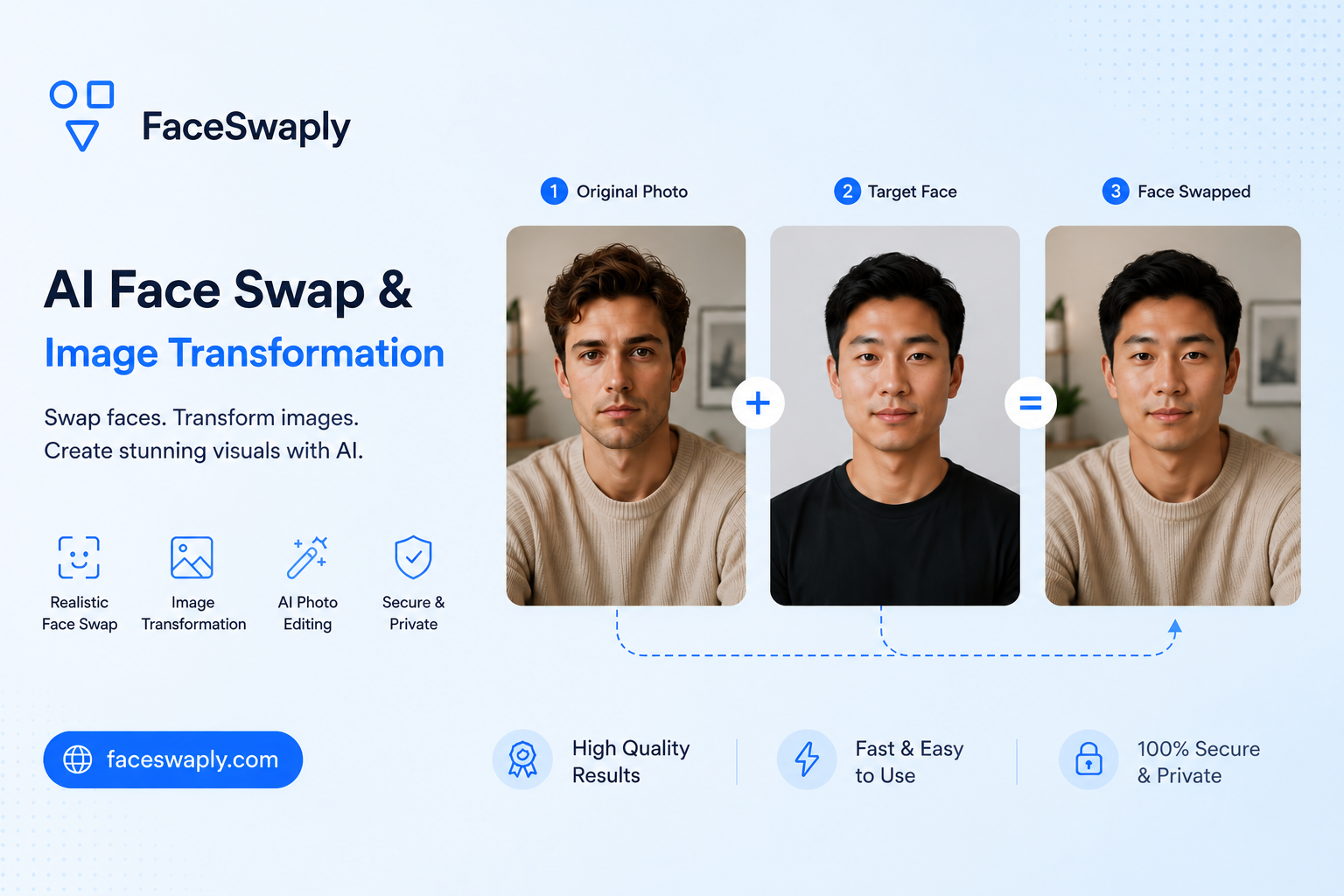
Most AI face swap problems come from the photos, not from complicated settings. If the source face is blurry, the target face is tiny, or the lighting is very different, the result is more likely to look off.
The good news is that many issues are easy to avoid. Before you spend time trying many versions, start by checking the source and target images.
You can test the tips in this article with FaceSwaply's AI Face Swap tool.
Mistake 1: using a blurry source face
The source face is the identity you want to transfer. If that face is soft, pixelated, or motion-blurred, the result often loses detail.
Try this instead:
- Use a sharper selfie or portrait
- Avoid screenshots from low-quality videos
- Choose a photo where the eyes, nose, and mouth are easy to see
- Skip images that are heavily compressed or filtered
You do not need a studio portrait. A clear phone photo is often enough.
Mistake 2: choosing a target face that is too small
If the target face takes up only a small part of the image, the tool has less room to blend facial details. This can make the result look soft or less convincing.
For the first attempt, choose a target image where the face is visible and large enough to inspect. Once you know what works, you can try more complex scenes.
Mistake 3: mismatching face angles
A front-facing source photo and a strong side-profile target photo can be difficult to combine. The tool has to guess how the face should look from a different angle, and those guesses may not feel natural.
Better starting points:
- Front-facing source with front-facing target
- Slight left angle with slight left angle
- Slight right angle with slight right angle
The angles do not have to be identical, but closer is usually easier.
Mistake 4: ignoring lighting
Lighting affects whether the new face looks like it belongs in the target photo.
Common lighting problems include:
- Bright source face with a dark target scene
- Soft indoor source photo with harsh outdoor sunlight
- Strong shadow on one photo but not the other
- Colored lighting that changes skin tone
If a result looks pasted on, try a source photo with lighting closer to the target image.
Mistake 5: using faces covered by objects
Hair, hands, sunglasses, masks, and heavy shadows can all hide important face details. Sometimes the result still works, but it is less predictable.
For cleaner results, start with faces where the main features are visible. Creative photos with more obstruction are better for later experiments.
Mistake 6: expecting every photo to work the same way
AI face swap is an image transformation workflow, so each photo pair behaves differently. A source image that works well with one target photo may not work as well with another.
This is normal. The goal is not to find one source photo for every situation. The goal is to choose a photo pair that gives the tool enough clear visual information.
Mistake 7: changing too many things at once
If a result looks wrong, do not change both images immediately. Change one thing at a time.
A simple troubleshooting order:
- Try a sharper source face.
- Try a target photo with a larger face.
- Try a photo pair with more similar angles.
- Try a photo pair with more similar lighting.
This makes it easier to understand what caused the issue.
Quick checklist before generating
Before you upload, ask:
- Is the source face sharp?
- Is the target face large enough?
- Are both faces visible?
- Are the face angles reasonably close?
- Is the lighting not wildly different?
If most answers are yes, your chances of a natural-looking result are much better.
FAQ
Why does my face swap look blurry?
The most common reason is a blurry source face or a target face that is too small. Try a sharper source photo first.
Why does the swapped face look pasted on?
Lighting mismatch is often the reason. A bright source face placed into a dark scene may not blend naturally.
Can sunglasses or masks work?
Sometimes, but they make results less predictable. Start with an uncovered face if you want the cleanest test.
Should I use the same photo angle?
It does not need to be exact, but similar angles usually help. A front-facing source photo is easier to use with a front-facing target photo.
Where can I try a cleaner face swap?
Use FaceSwaply's AI Face Swap tool and start with a sharp source face plus a clear target photo.
Read More
How to Choose the Best Photos for AI Face Swap
Learn which source and target photos work best for AI face swap, with simple tips for lighting, angle, sharpness, and face size.
What Is AI Face Swap and When Should You Use It?
A plain-English guide to AI face swap: what it does well, where it can go wrong, and when it makes sense to use it.
Is AI Face Swap Safe? Privacy, Consent, and Good Use Cases
A practical guide to using AI face swap safely, including privacy checks, consent, sharing risks, and responsible creative use cases.